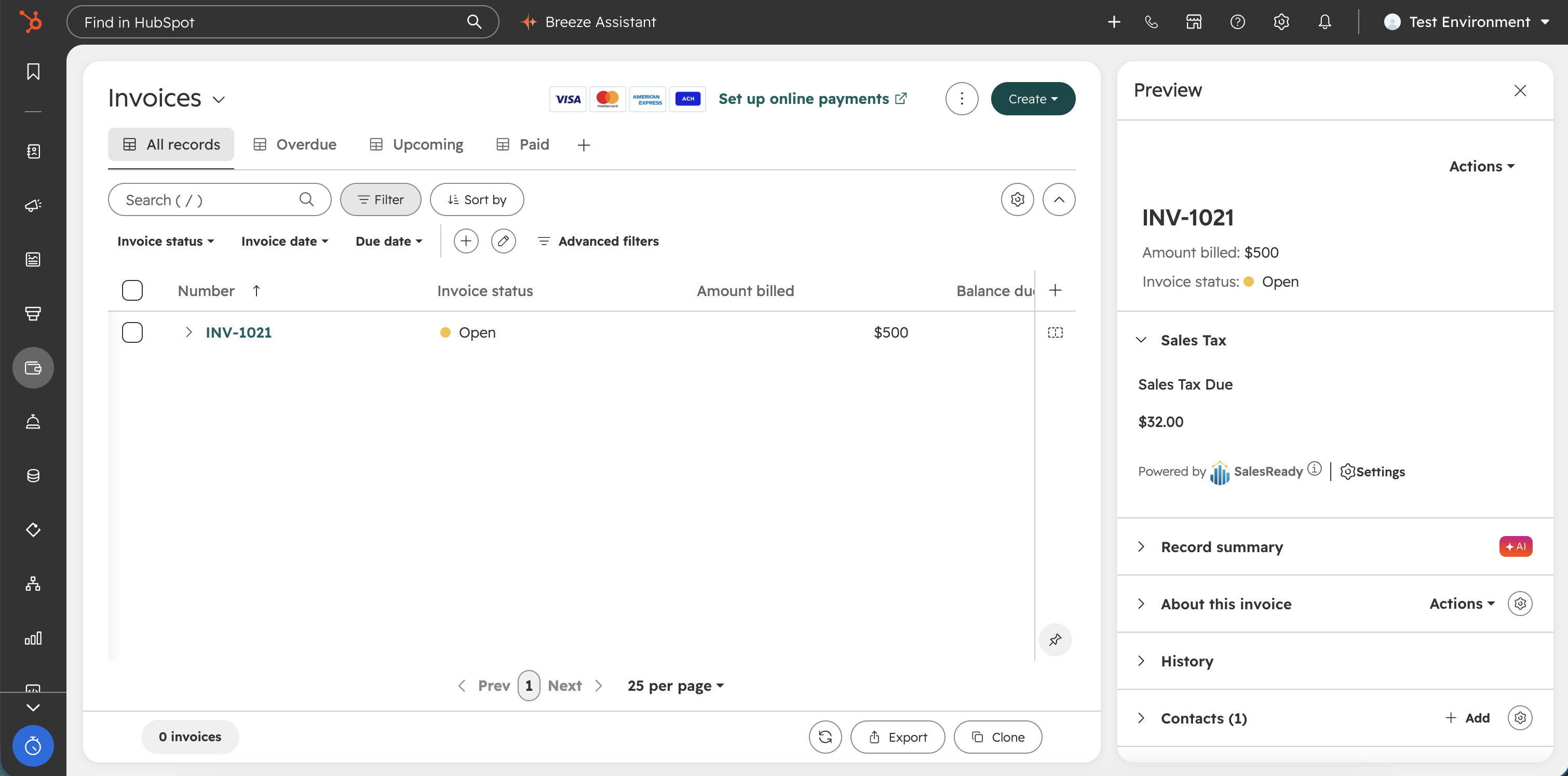
SalesReady integrates HubSpot with the Anrok API for automated sales tax calculations. Users can apply sales tax for quoting and/or billing scenarios. Our flexible real-time integration allows you to calculate sales tax in the following objects:
-
Deal
-
Deals will add estimated sales tax as a line item with a
SKUof sales-tax and a quantity of 1.
-
-
Quote
-
Quotes will add estimated sales tax as a one-time tax fee after all line items.
-
-
Invoice
-
Invoices will add finalized sales tax as a one-time tax fee after all line items.
-
How to install the SalesReady + Anrok integration
-
Log into HubSpot and paste this link into your browser: https://app.salesready.io/auth/hubspot/start
How to configure the SalesReady + Anrok integration
-
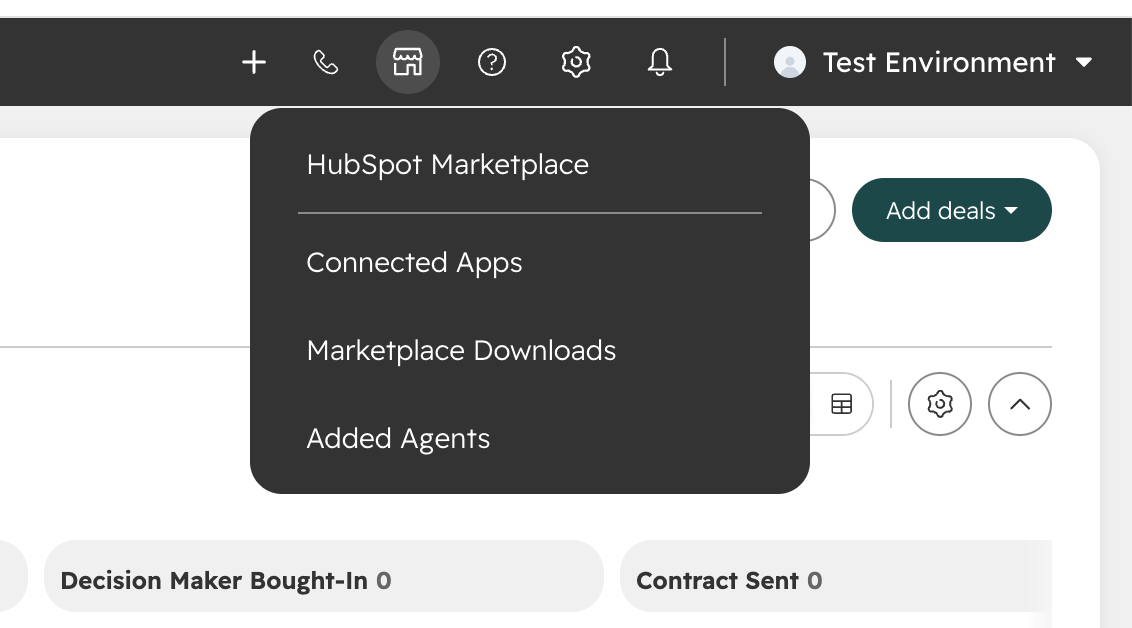
Find the Connected Apps
-
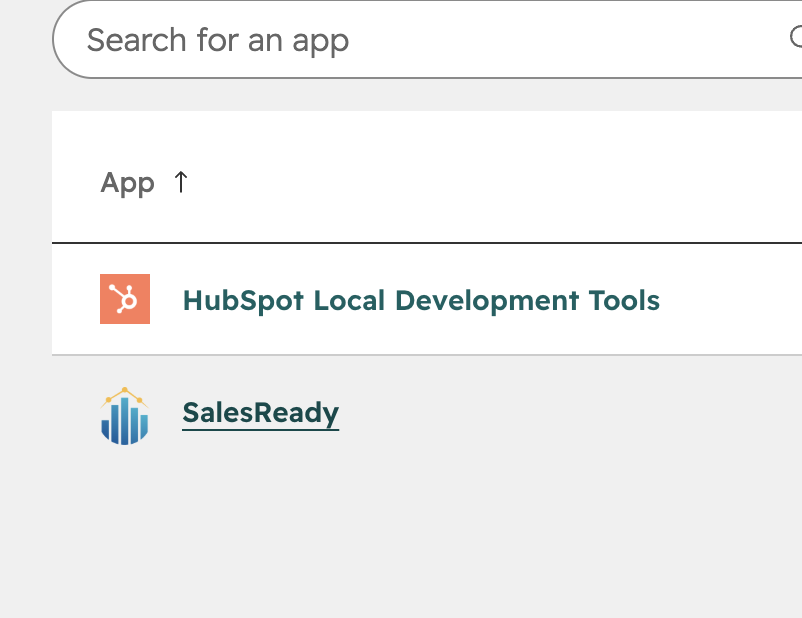
Look for SalesReady.
-
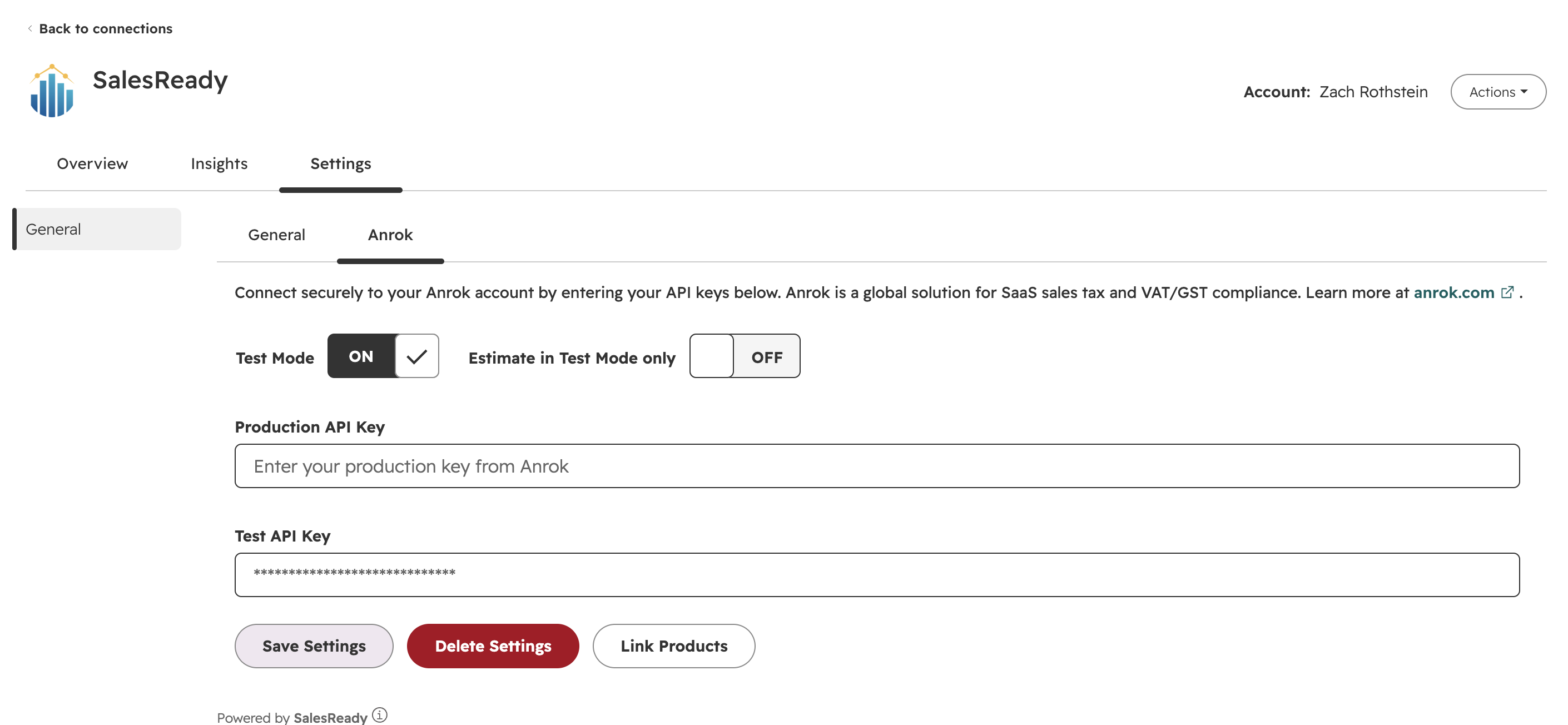
Add your API keys from Anrok. Make sure to turn on Test Mode when running tests.
-
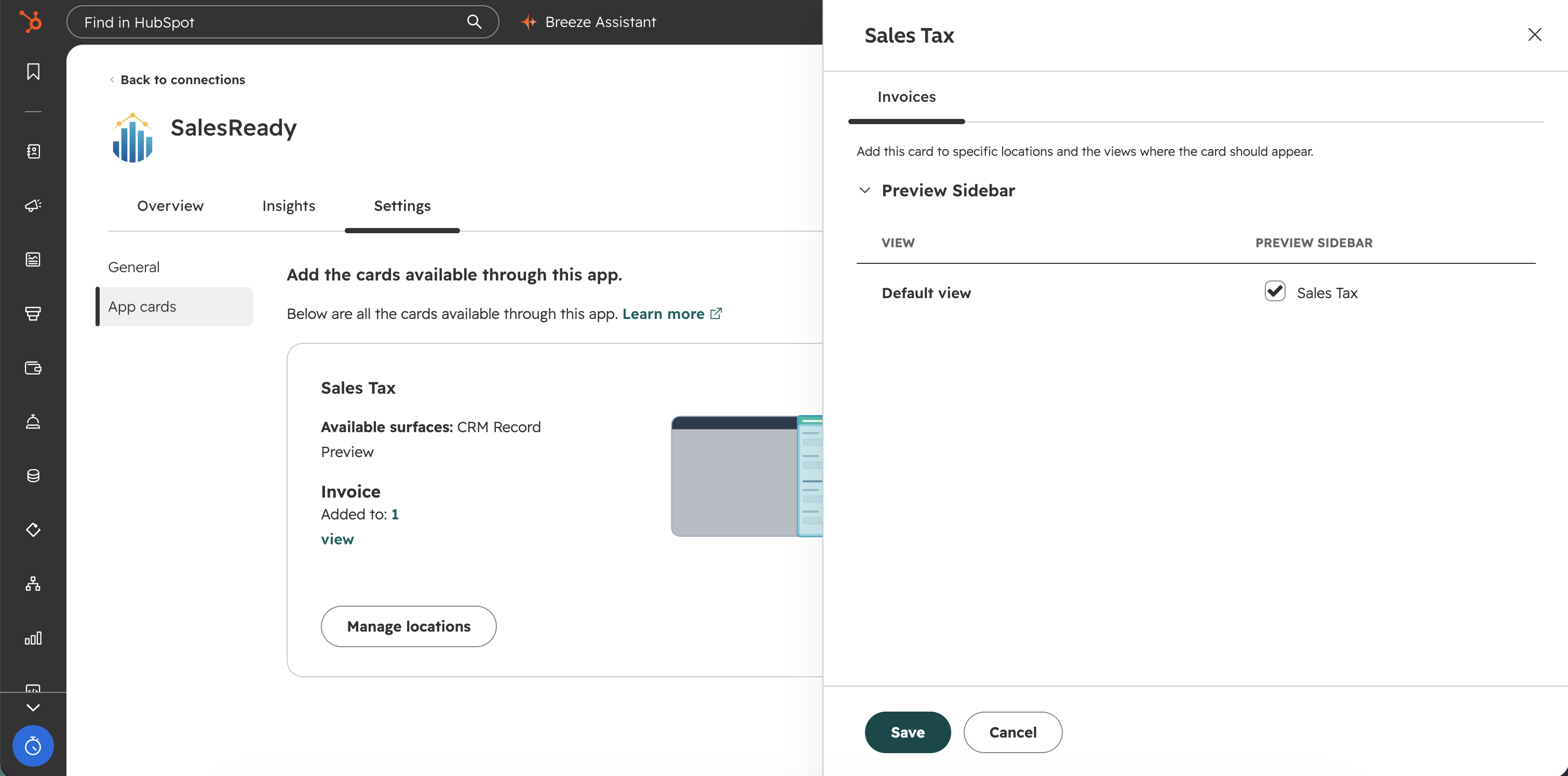
For invoicing, add the Sales Tax app card to the invoice preview.
-
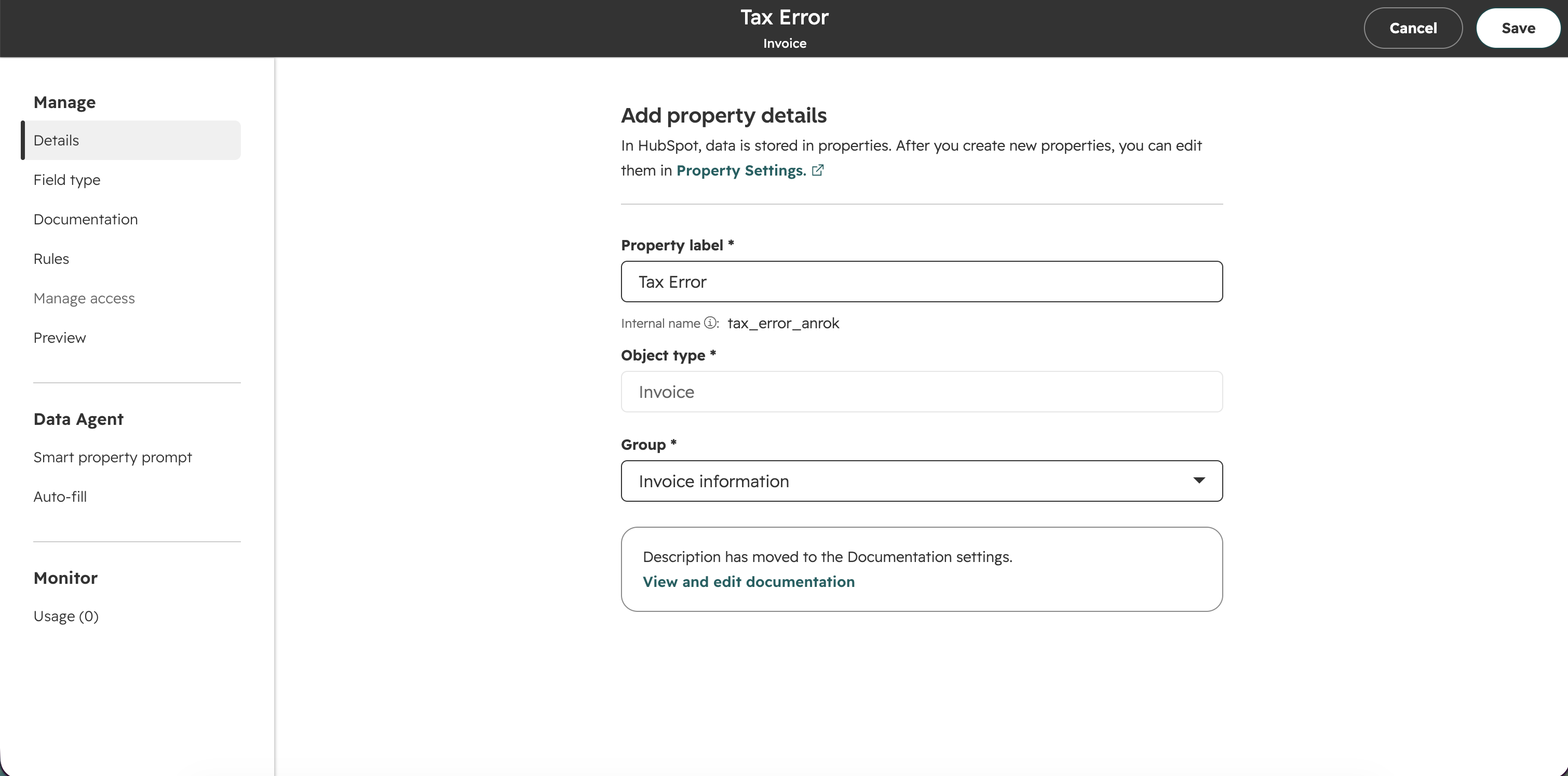
Add a field to each applicable object named
tax_error_anrok. This will allow for pushing errors back to HubSpot if any occur during sales tax calculation.
Keeping products in sync between HubSpot and Anrok
-
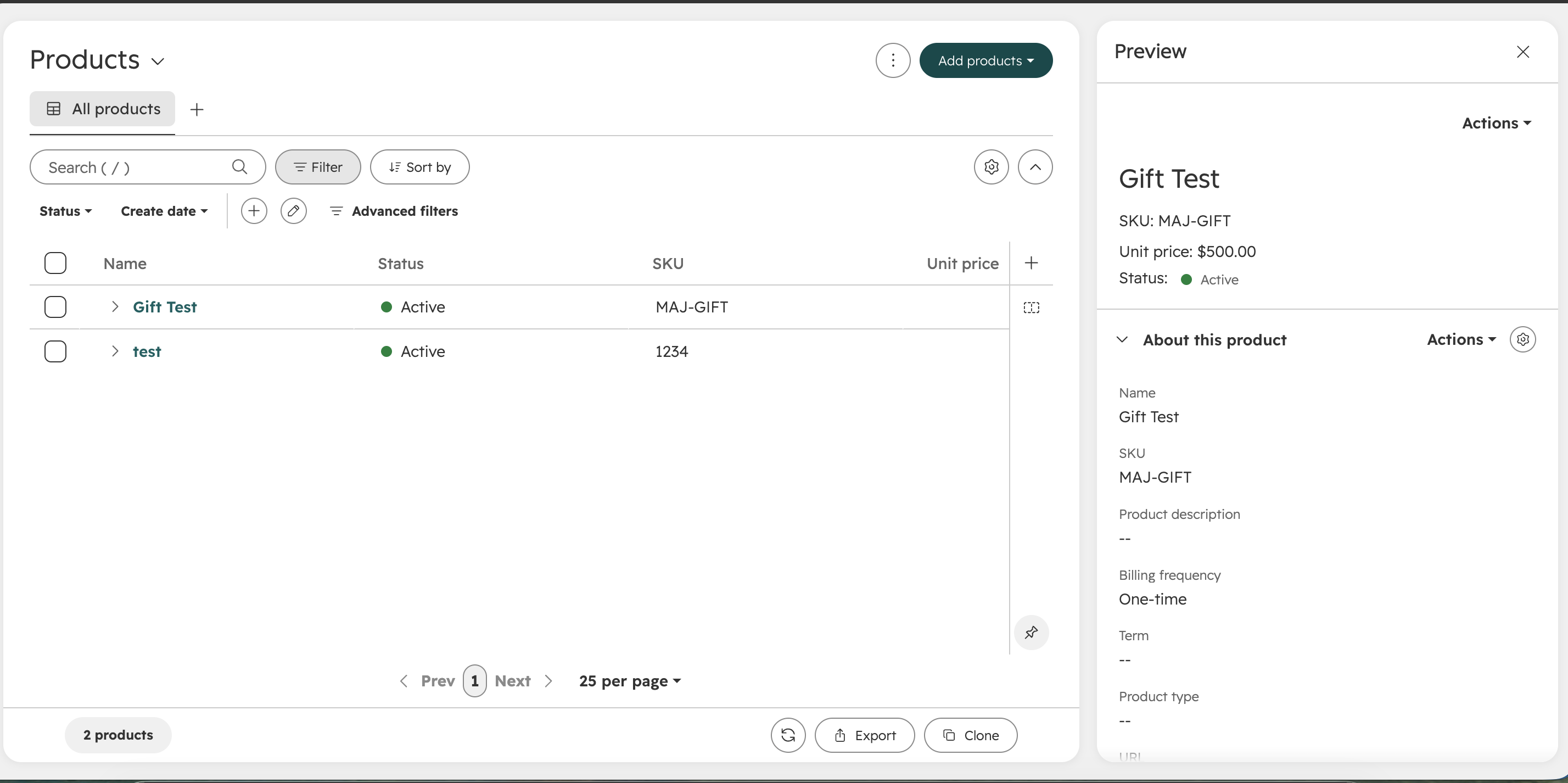
Find the Products section and add your products. The
SKUmaps to the Anrok product ID.
How does the integration work
General
The integration between the applicable HubSpot object(s) and Anrok runs in real-time via HubSpot webhooks. As changes are made to the record, SalesReady calculates sales tax from Anrok and pushes it back to HubSpot. This should work in any HubSpot environment, regardless of edition.
For any address field, make sure that you are using HubSpot State and Country code fields. These are typically two-digit values, such as US (country) and VA (state/region).
Deals
|
HubSpot Field |
Anrok Field |
|---|---|
|
Close Date |
Tax / Accounting Date |
|
Company Address |
Customer Address |
|
Line Item[] SKU |
Line Item[] Product External ID |
|
Line Item[] Amount |
Line Item[] Amount |
Quotes
|
HubSpot Field |
Anrok Field |
|---|---|
|
Expiration Date |
Tax / Accounting Date |
|
In order of priority
|
Customer Address |
|
Line Item[] SKU |
Line Item[] Product External ID |
|
Line Item[] Amount |
Line Item[] Amount |
Invoices
|
HubSpot Field |
Anrok Field |
|---|---|
|
Invoice Date |
Tax / Accounting Date |
|
In order of priority
|
Customer Address |
|
Line Item[] SKU |
Line Item[] Product External ID |
|
Line Item[] Amount |
Line Item[] Amount |
Known issue with HubSpot API and record totals
https://community.hubspot.com/t/invoice-and-line-item-api/149439?sort=top
The above link references an issue where the HubSpot total fields will only be calculated when the record is updated via the UI. The sales tax component on the invoice will display the correct total, and that can be confirmed before sending the invoice to the customer.