SalesReady offers two ways to create documents once templates have been created. Both ways will open the exact same container.
1. Generate from within the quote builder
-
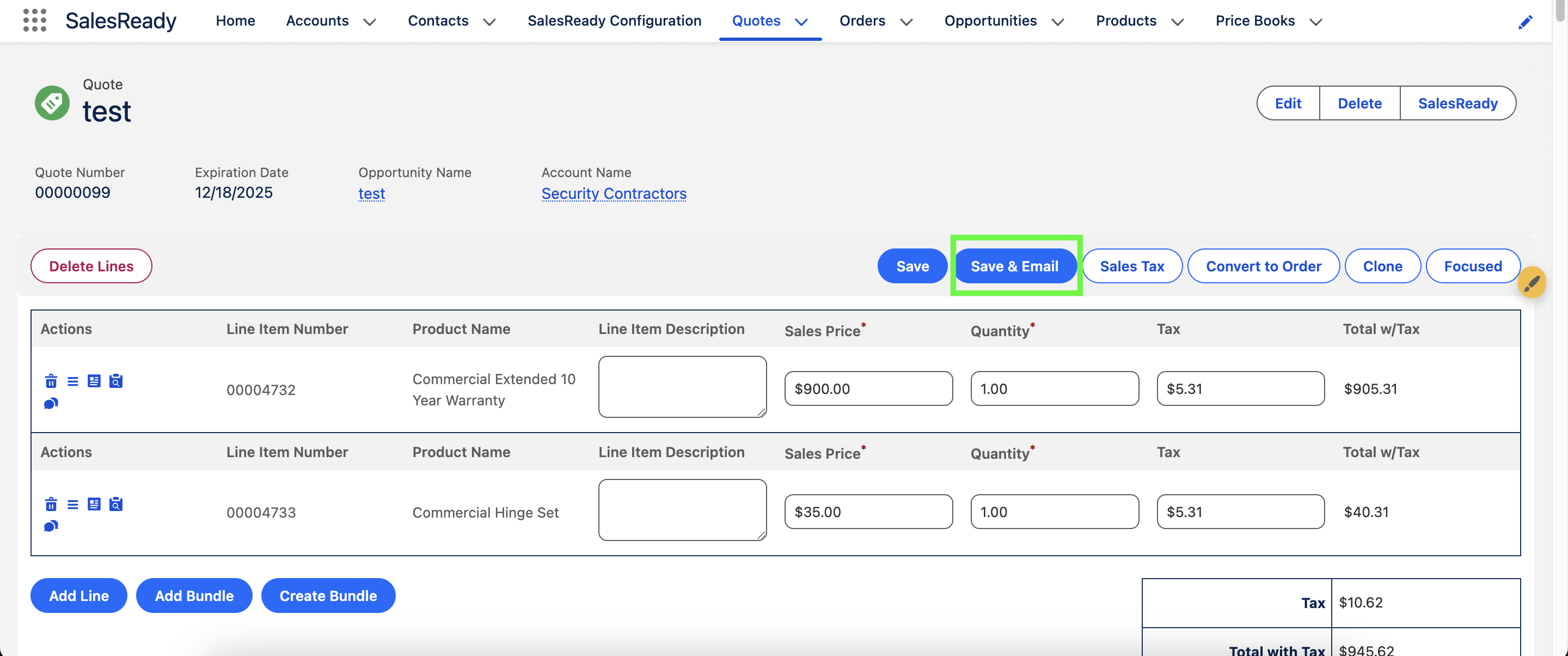
Add the Send_Document setting to the object and the Save & Email button will appear here.
2. Generate from a custom action
-
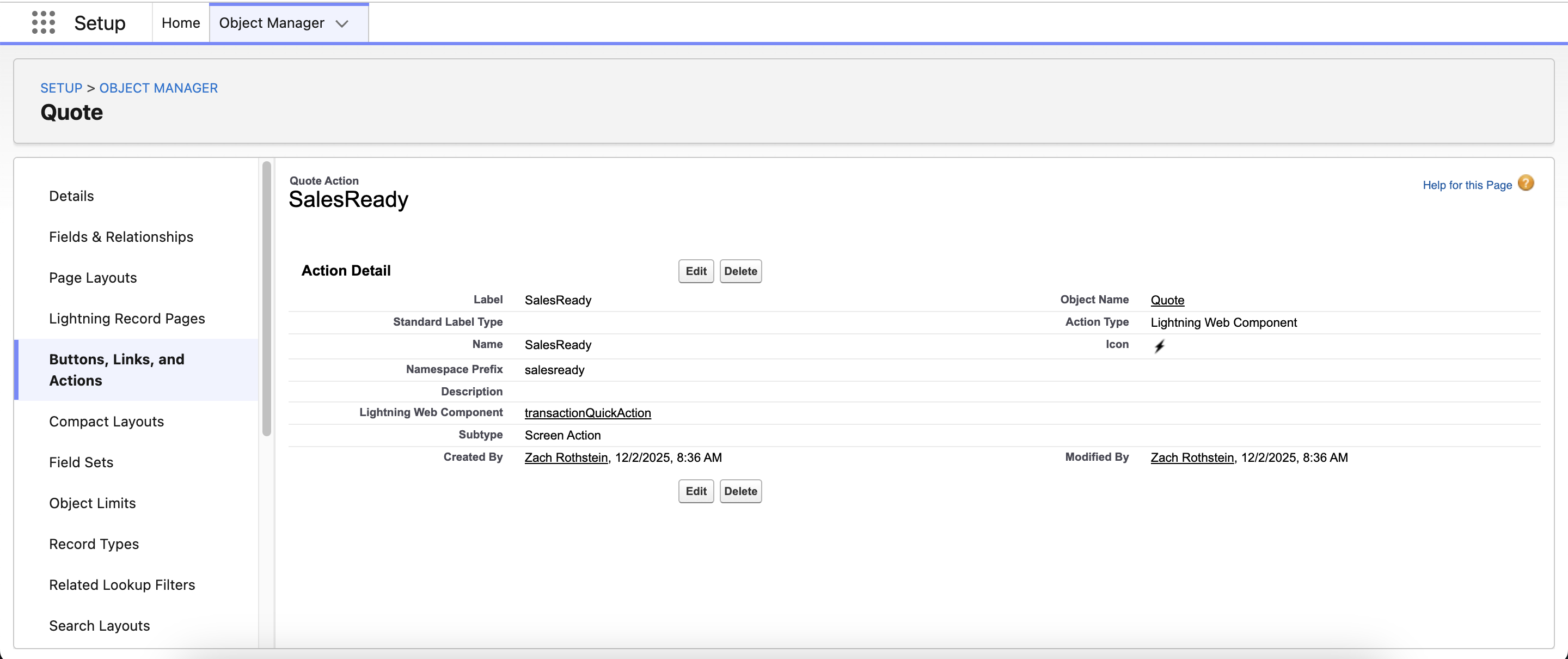
Go to the Object Manager and select which object users will generate documents from.
-
Create a custom action that uses the
transactionQuickActionLightning Web Component. -
Add to the page layout or lightning record page.